Commutator PRO Firmware Update
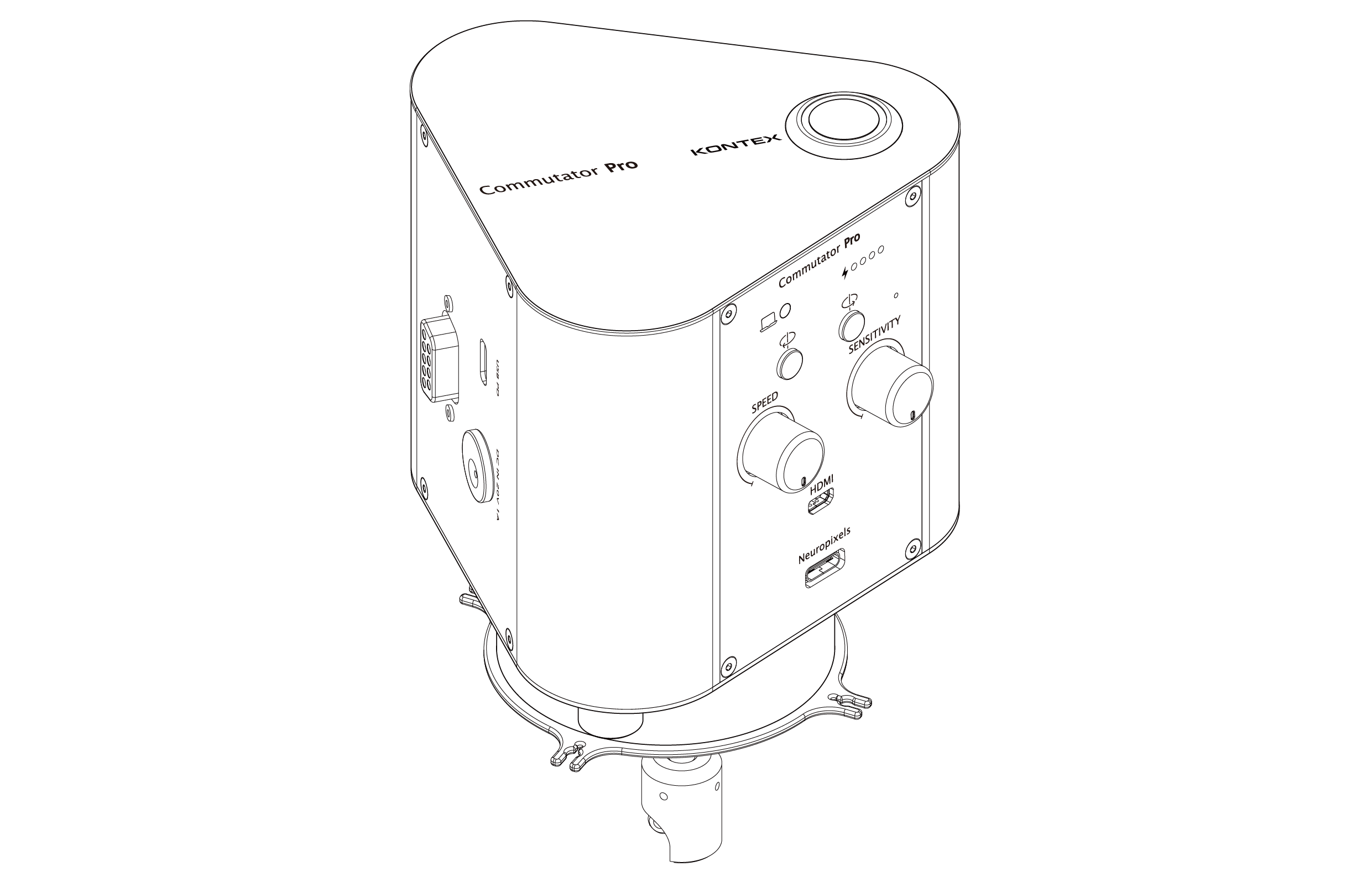
Overview
This manual provides the step-by-step procedure to update the firmware on your Commutator Pro. Please ensure you have the correct .uf2 update file provided by KonteX before proceeding.
Preparation
Step-by-Step Update Procedure
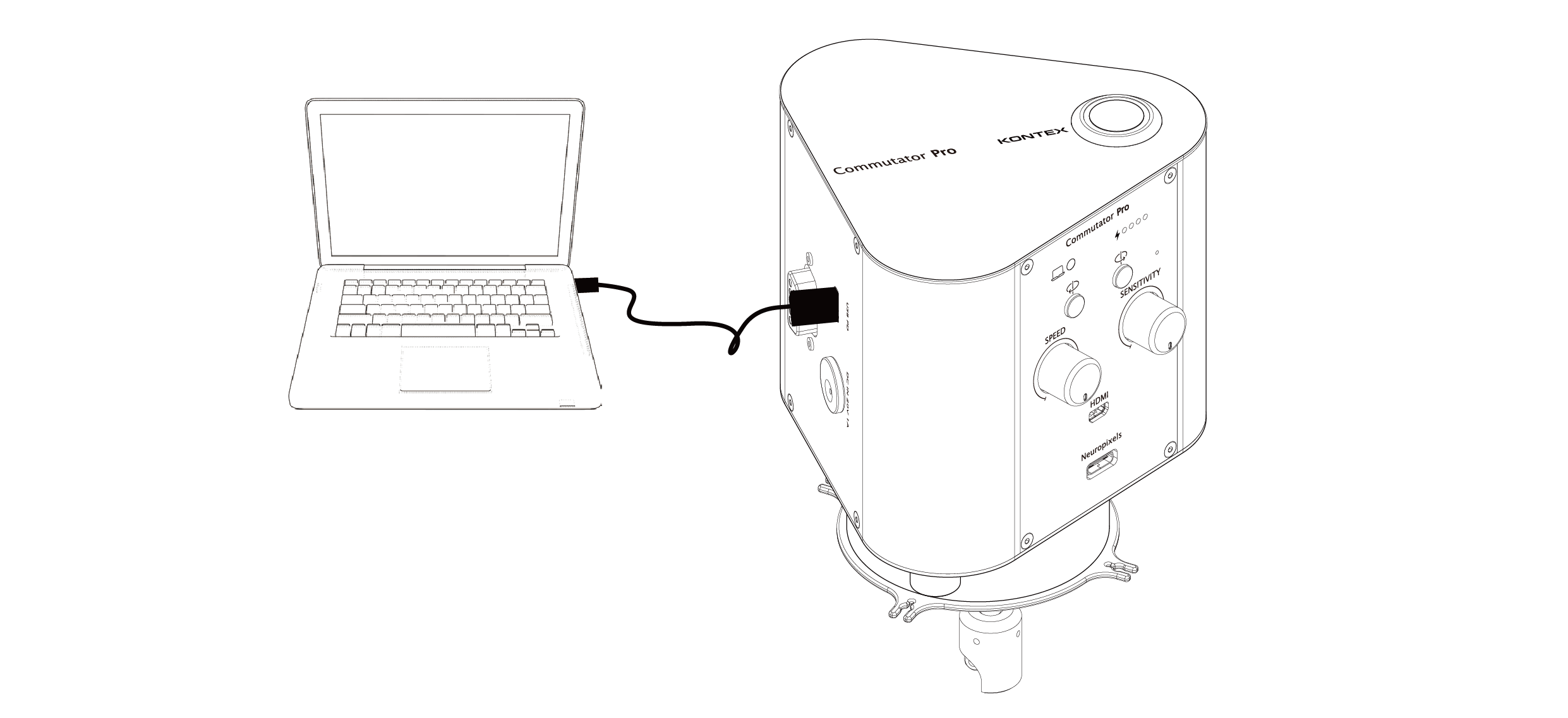
1. Connect to PC: Plug the USB cable from the Commutator Pro's USB port into your computer.
2. Enter Bootloader Mode:
- Use a thin tool (like a paperclip) to press and hold the pinhole button.

- While holding the button, switch the Power on.
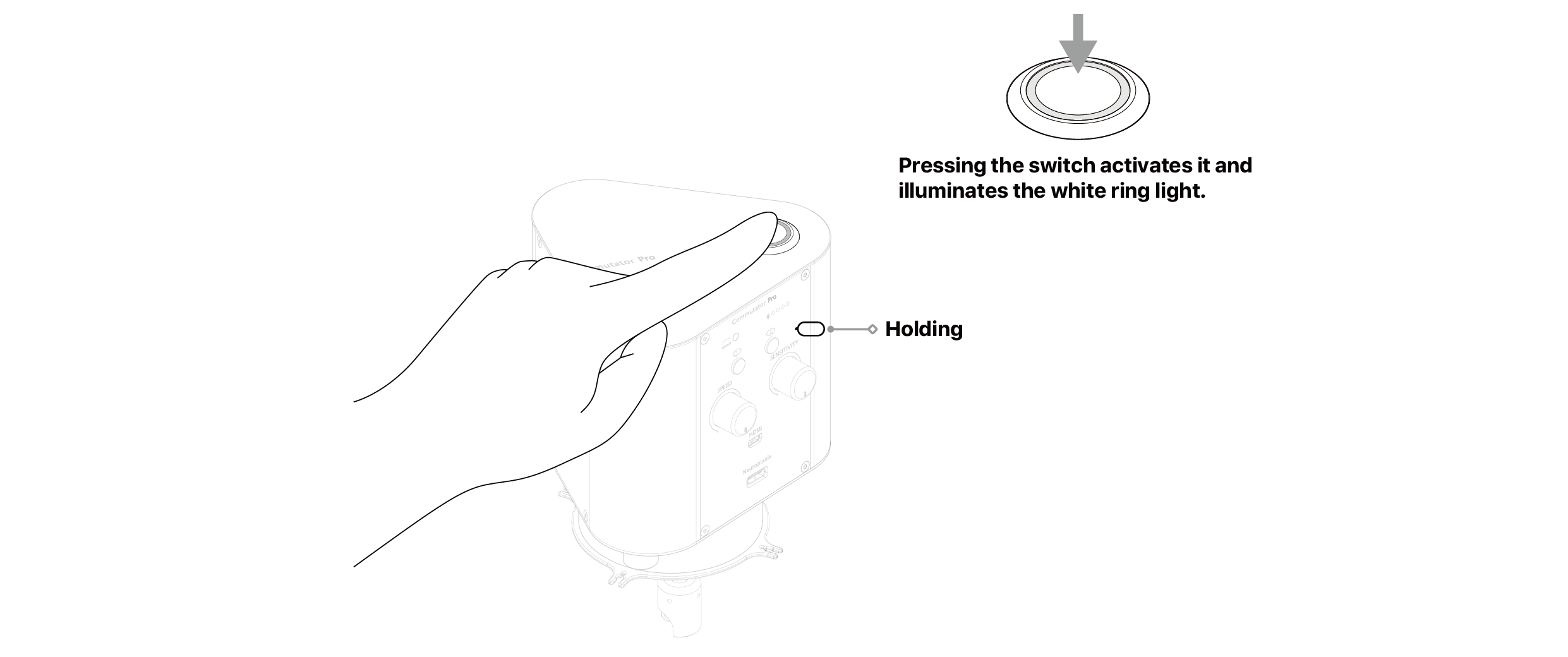
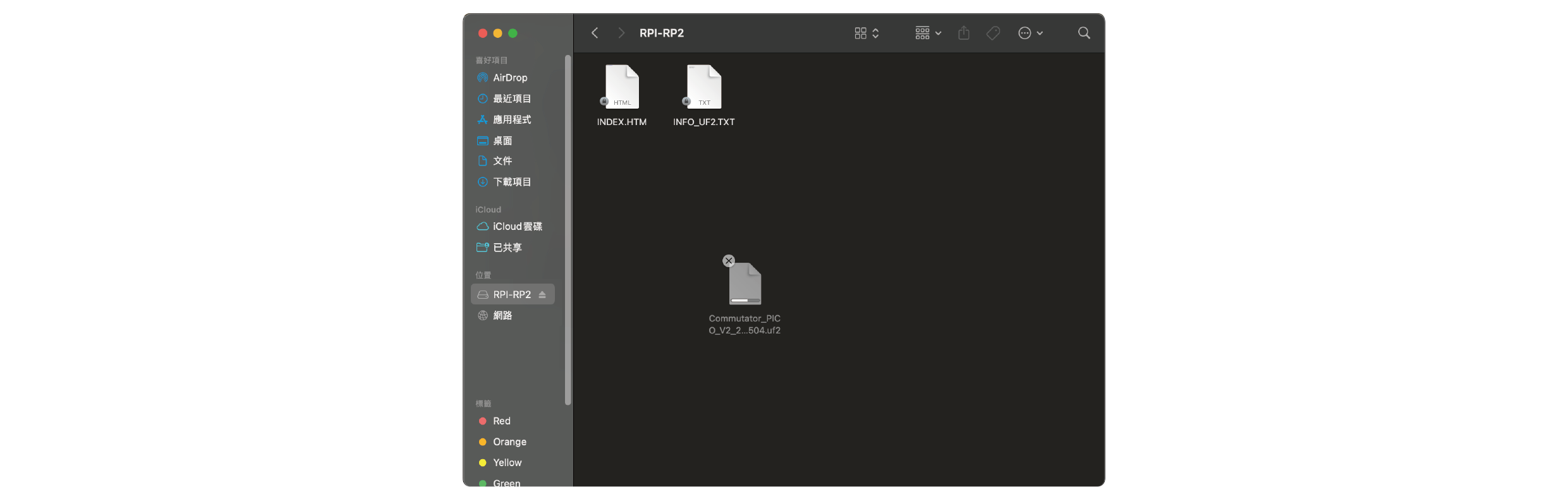
3. Identify Device: Your PC will recognize the device as a new removable drive named "RPI-RP2". You can now release the pinhole button.
4. Deploy Firmware: Drag and drop (or copy) the provided .uf2 firmware file directly into the "RPI-RP2" drive.
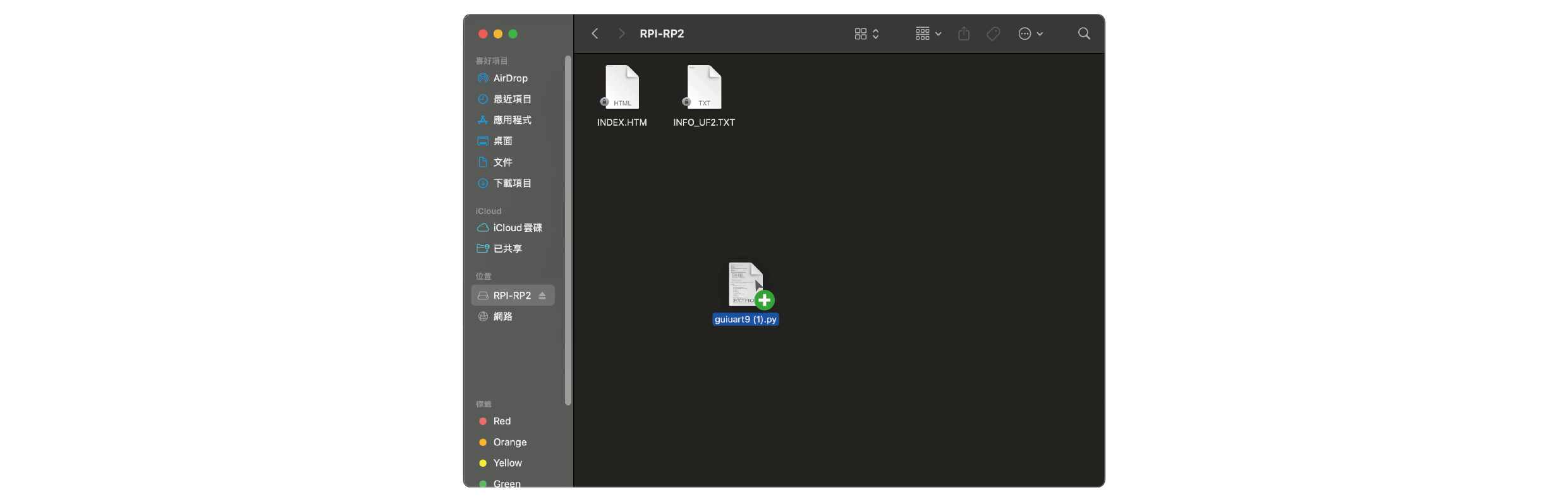
5. Installation: Wait for the file transfer to complete. The drive will automatically disappear from your file explorer once the update is processed.
6. Finalize Update: Toggle the power switch to Restart the Commutator. Your device is now updated and ready for use.
NOTE: Do not disconnect the USB cable or power off the device while the drive is active and the file is being transferred, as this may result in firmware corruption.
Download Firmware File
Commutator Pro firmware (.uf2)
